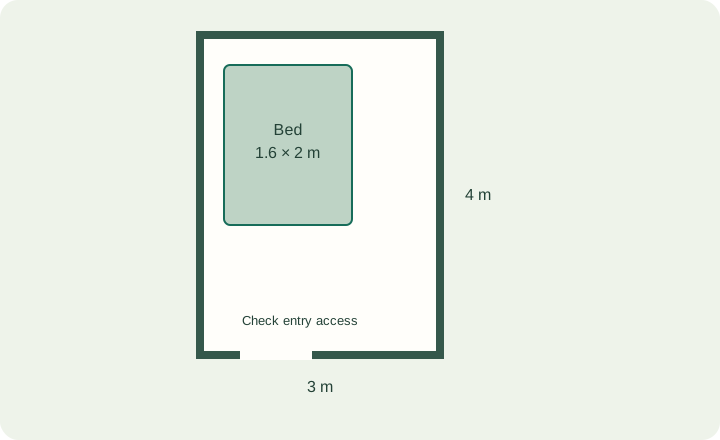
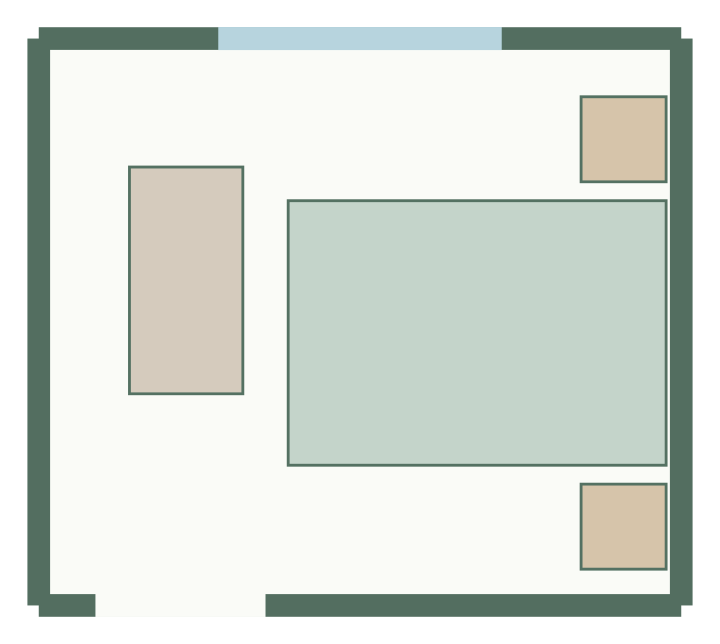
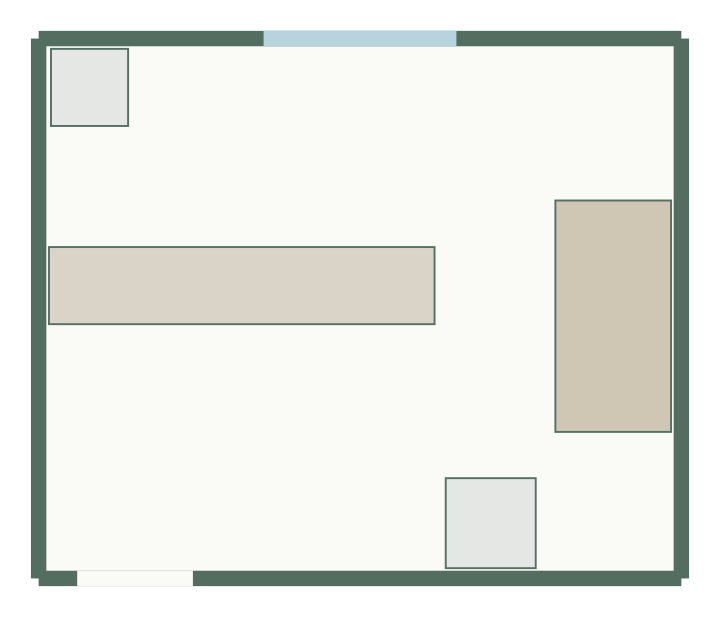
A useful layout starts with consistent measurements. This checklist is for the rectangular rooms supported by GoSpacePlan. Record dimensions in one unit system and keep a sketch beside the numbers. It is a planning checklist, not a professional survey method.
1. Record usable inside dimensions
Write down the inside width and length at floor-plan level. Make clear which wall you call north or top on your sketch; it is an orientation label unless you have measured actual compass direction. Check measurements again where a wall or fixed feature makes the usable width different. If the shape is not rectangular, do not disguise that difference by entering an optimistic rectangle.
2. Locate openings from one wall end
Record each opening’s wall, width and distance from the same chosen corner. An offset is not the distance to the opening’s center. For a 5 m wall with a 0.9 m door starting 0.3 m from the corner, the opening occupies 0.3–1.2 m along that wall. Record door swing or usable access separately on your sketch.
The questionnaire supports one entrance and an initial window; the editor can add more wall-attached openings. Check their offsets and heights in the property panel.
3. Measure the whole furniture footprint
Use the outside frame or casing dimensions. A mattress size does not include its bed frame. A cabinet footprint does not include its open door or drawer. Note those operating spaces as additional requirements rather than silently adding them to the product’s physical size.
4. Separate fixed features from movable items
Mark columns, radiators and other obstacles before arranging furniture. Lock geometry that must remain unchanged during regeneration. A fixed feature’s position is just as important as its area: moving it in the drawing can make an impossible arrangement appear valid.
5. Check the numbers before generating
- Convert 350 cm to 3.5 m, not 350 m.
- Check width × length as a rough area check; do not use it as proof that furniture fits.
- Keep door offsets, wall direction and furniture orientation consistent with the sketch.
- Record uncertainties and verify them on site before purchasing or construction.
Use the measurements
Try the area and fit calculator, then open the room planner. Numeric editing uses meters in the interface; the saved model uses integer millimeters to avoid unit drift. Export JSON to keep your measurement-based work portable.
Templates to try
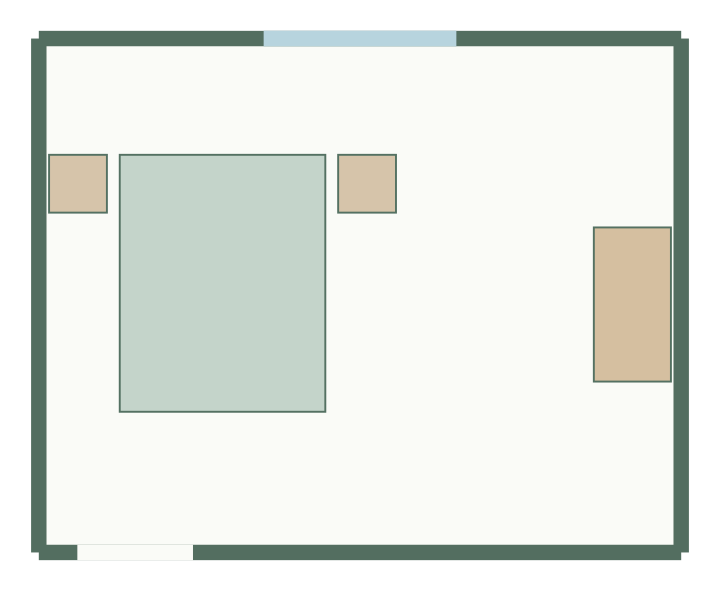
Bedroom layout
5 × 4 m, 20 m² · 4 furniture items
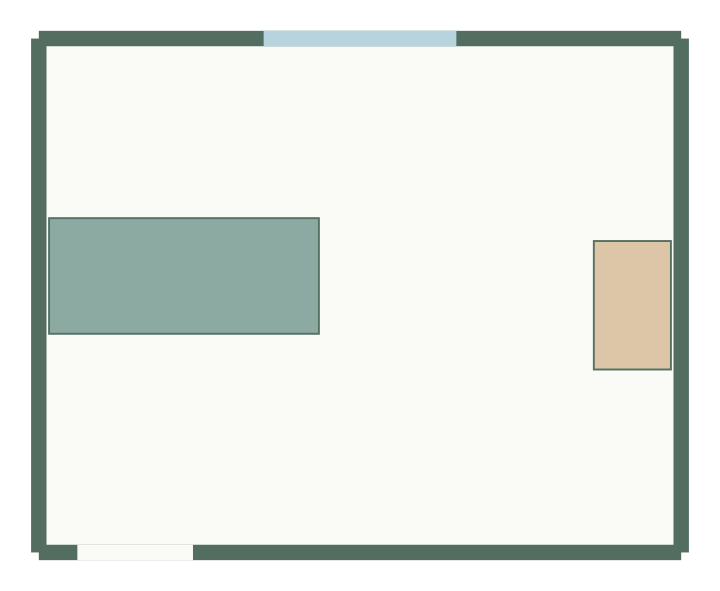
Living room layout
5 × 4 m, 20 m² · 2 furniture items
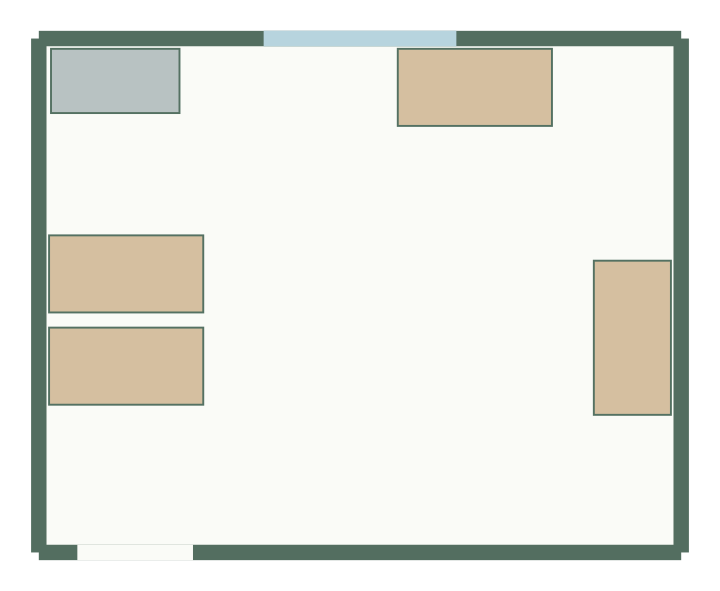
Home office layout
5 × 4 m, 20 m² · 5 furniture items