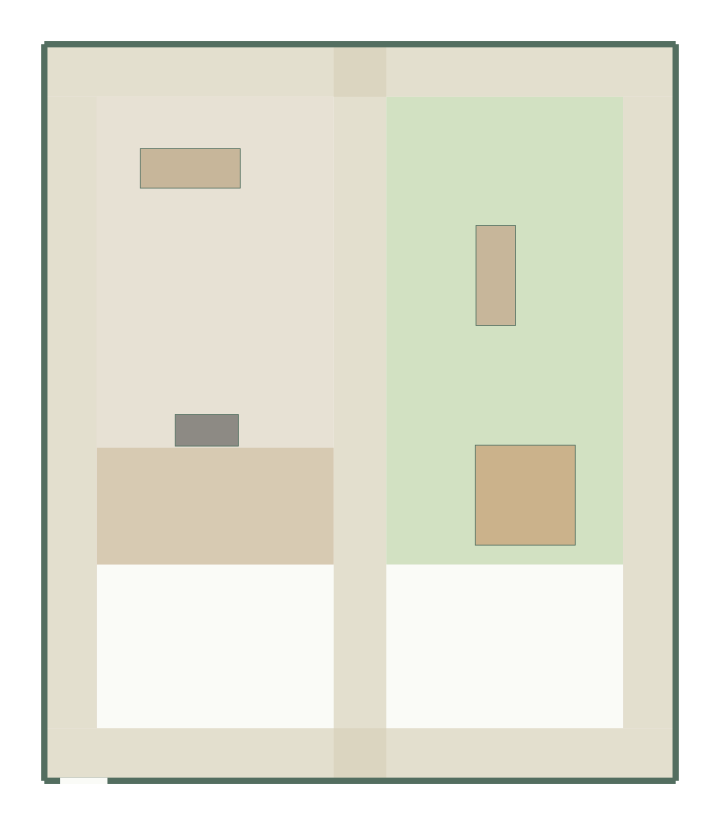
A garden layout needs room for access as well as features. GoSpacePlan allocates rectangular lawn, patio and planting zones around fixed features and a connected path network. Start with measured boundaries and the minimum area each zone needs.
No account needed for local planning or downloads. Plans are conceptual.
Describe the site before adding zones
Enter the rectangular boundary, gate location, fixed trees or features, and your own sunlight description. GoSpacePlan does not look up local sun exposure, drainage, soil, climate or plant suitability. Those observations and any required site advice remain part of your planning work.
Reserve access before allocating every square meter
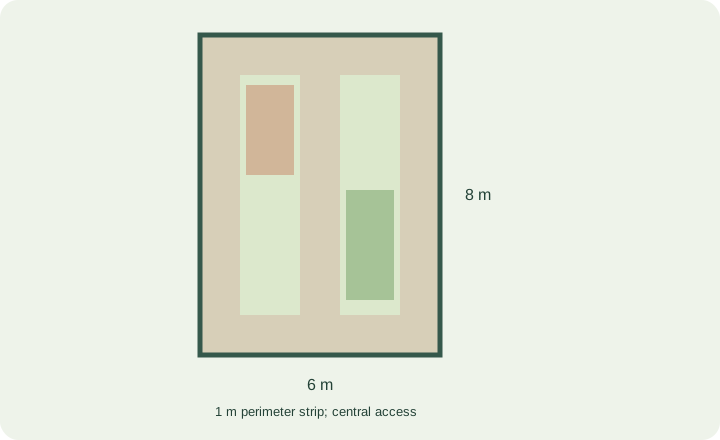
For a 6 × 8 m garden, the total area is 48 m². A one-meter strip inside all four edges leaves a 4 × 6 m interior: 24 m². A further 1 × 6 m central strip uses 6 m² of that interior, leaving 18 m² before other features. This is a budgeting example, not a recommended path width.
That is why a wish list totaling the entire 48 m² cannot fit alongside access. Read the garden zone budget guide to separate total area, access area and feature footprints.
What the generator checks
- Declared minimum zone areas and fixed geometry.
- Boundary containment and supported overlap rules.
- Connected access from gates to requested zones.
- Required features, without silently removing them to make a candidate fit.
A bounded search can fail even when another arrangement might be feasible. Reduce requested areas, review fixed features or expand the boundary, then try another seed. Keep the inputs that represent the real site.
Edit the concept and keep versions
Select a zone to change its label, type, color and rectangular dimensions. The area readout follows its polygon. Keep a local checkpoint before moving zones or paths; manual edits can break connectivity and should be checked against the warnings. Export a PNG or print layout to discuss the concept.
What this does not replace
A layout is not a planting schedule, irrigation design, drainage assessment, land survey or construction specification. Verify access, underground services and site constraints separately. For the editor controls, see Help & docs.
Start from a template
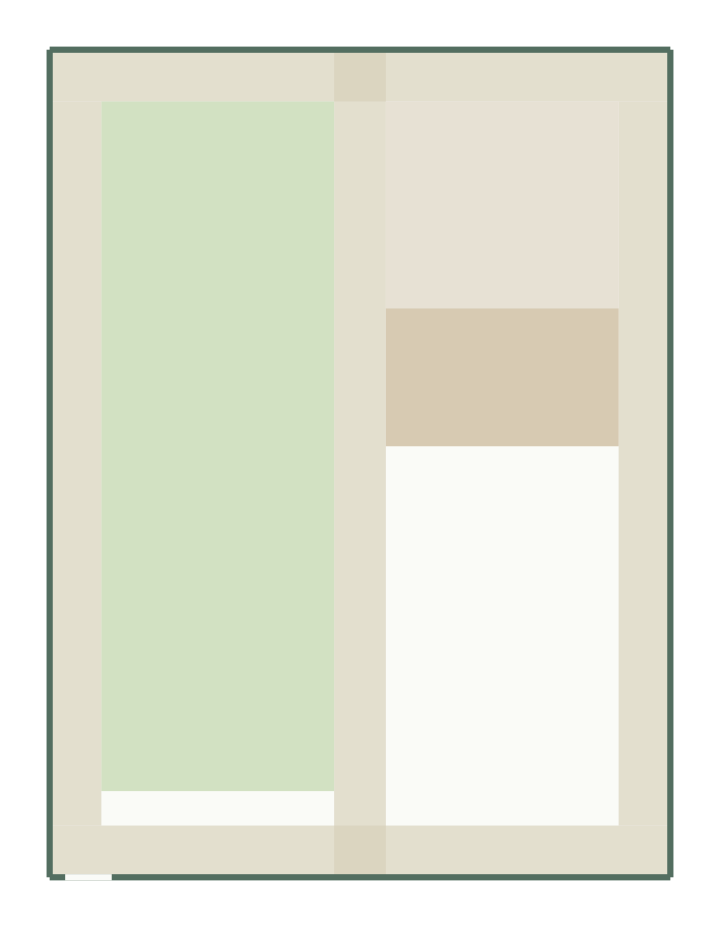
Family garden layout
12 × 16 m, 192 m²
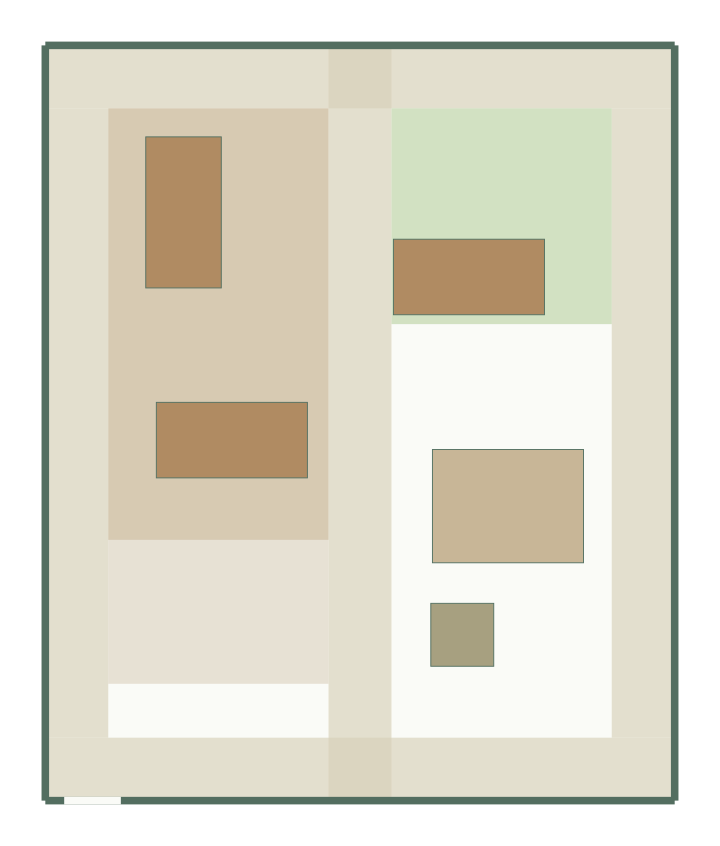
Kitchen garden layout
10 × 12 m, 120 m² · 5 furniture items
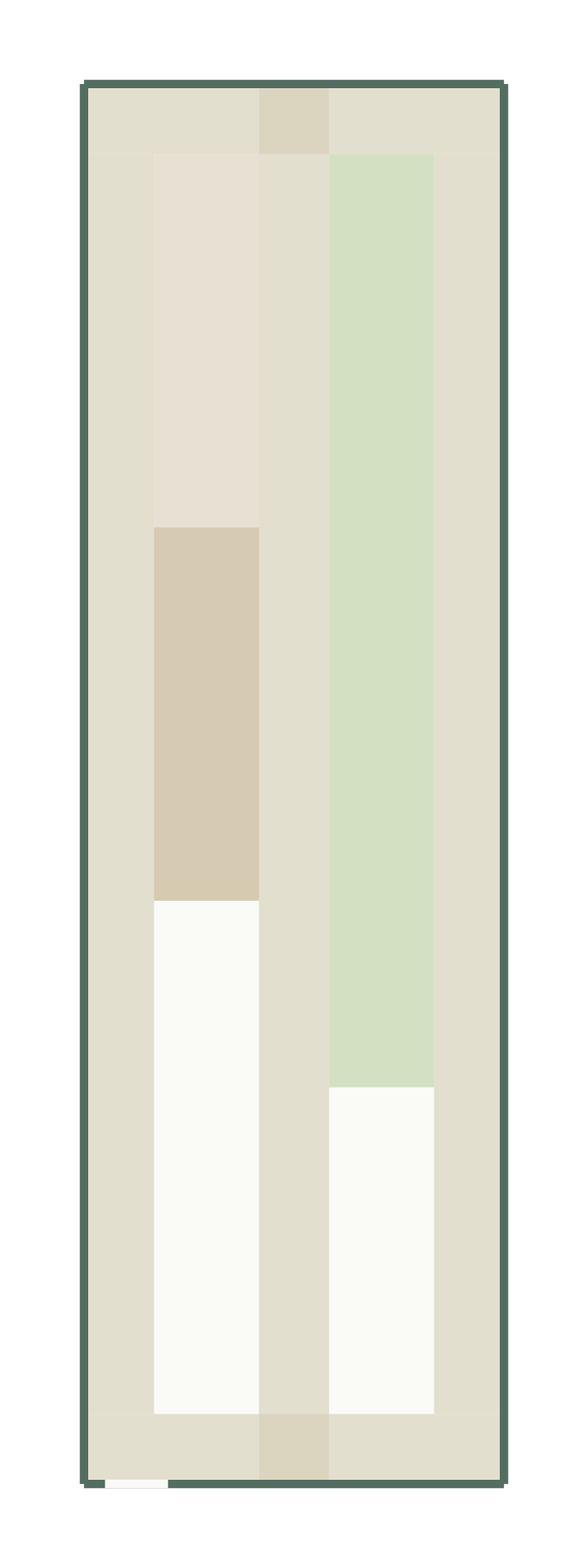
Long narrow garden layout
6 × 20 m, 120 m²
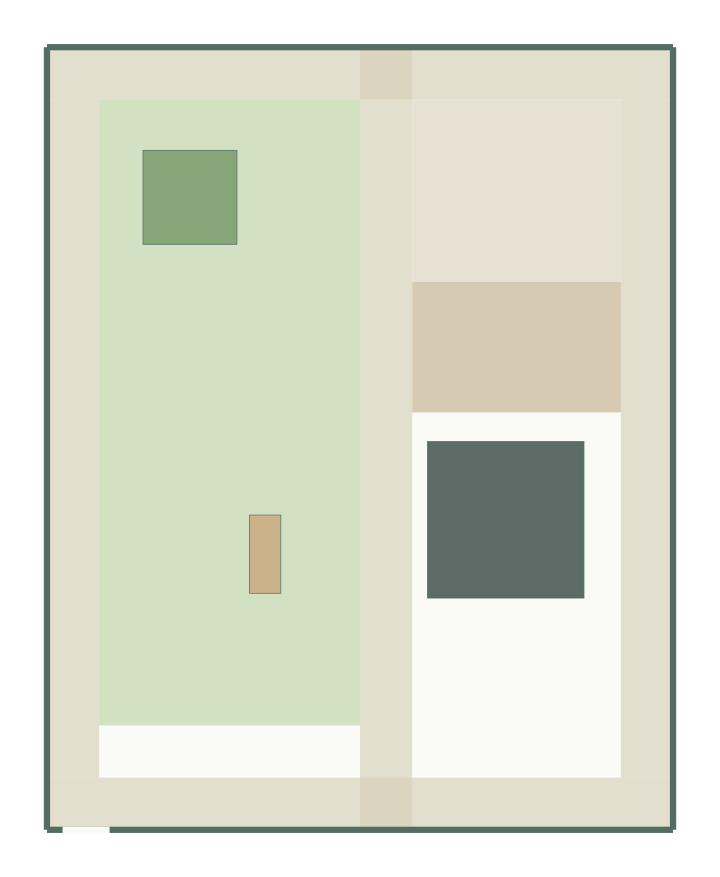
Play garden layout
12 × 15 m, 180 m² · 3 furniture items
Garden planner questions
Is the garden planner free?
Yes. Planning, editing and exports are free during the beta, without an account.
Can it plan an irregular garden?
Generation needs a rectangular boundary. Draw the nearest rectangle, mark unusable corners with fixed features, and edit zones afterwards.
Does it choose plants?
No. It allocates lawn, patio and planting zones; planting depends on your soil, sun and climate. For terraces, see the patio planner.