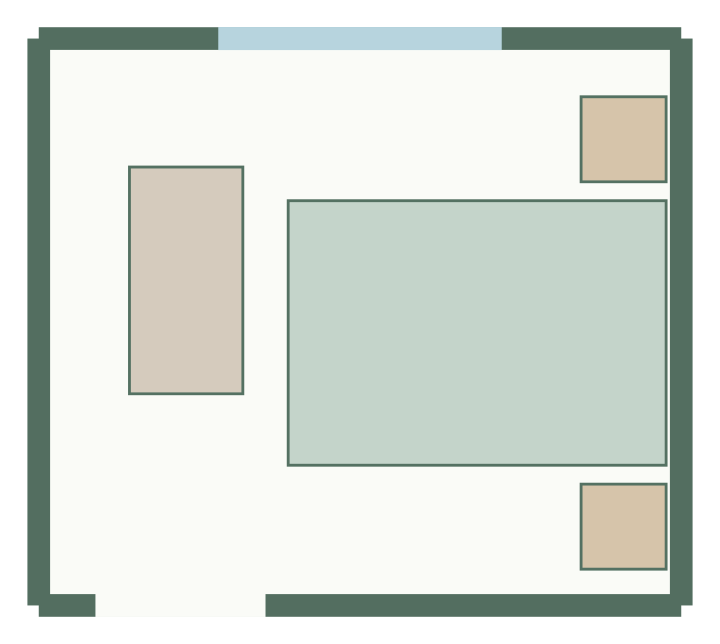
Check whether furniture fits before you move it. GoSpacePlan lets you enter a rectangular room, mark openings and fixed obstacles, then compare generated furniture arrangements. You can also start with an empty plan and place items yourself.
No account needed for local planning or downloads. Plans are conceptual.
What to measure first
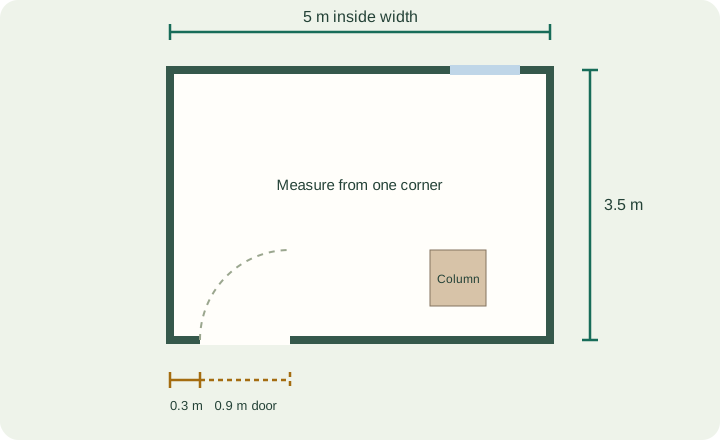
Measure the usable inside width and length, then note where the door and windows sit along each wall. Measure actual furniture footprints, not only catalogue names: a bed frame may be wider than its mattress. Include fixed columns or radiators before you try to fill the remaining space.
Use the room area and furniture-fit calculator for a first check. Floor area alone does not prove that a layout works. A door swing, a narrow passage or an opening behind a wardrobe can rule out a plan with plenty of spare square meters.
From measurements to a layout
- Enter width, length, entrances, fixed features and required furniture in the room questionnaire.
- Set a spacing preference. The generator checks declared geometry and access rules; it may return fewer than three options.
- Choose an option, then drag, rotate or resize furniture. Numeric properties provide millimeter precision.
- Lock objects you want to keep and regenerate the rest. Manual edits can create new warnings.
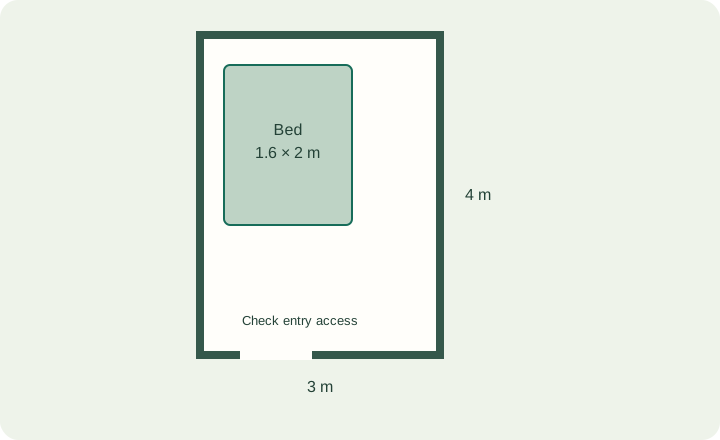
Read the 3 × 4 m bedroom example for a concrete way to compare footprints and usable space.
Save, compare and export
Guest projects stay in this browser. Save a named local version before trying a different arrangement, or open a version as a separate project. Export JSON for an editable backup, PNG for an image, or a dimensioned PDF through the print dialog. Canvas zoom does not change exported measurements.
Supported shapes and limits
The current wizard supports rectangular rooms. Straight walls, wall-attached doors/windows, furniture and rectangular zones are editable. The 3D view is a read-only dimensional preview with schematic furniture. Irregular room generation, multistory planning, photorealistic rendering and building-code checks are outside this release.
Do I need an account?
No. Local creation, editing and downloads work without one. Optional accounts add server-linked projects and snapshot sharing. Clearing browser storage can remove local projects, so keep JSON backups. See the planner documentation for saving and recovery.
Start from a template
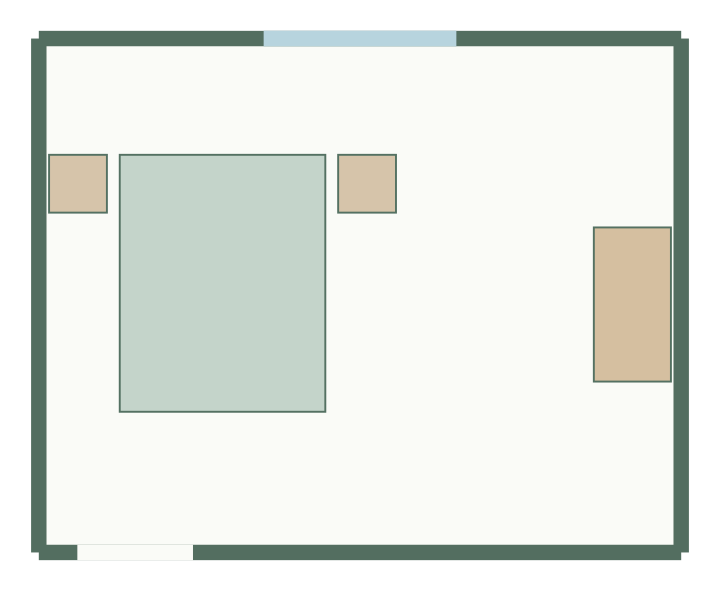
Bedroom layout
5 × 4 m, 20 m² · 4 furniture items
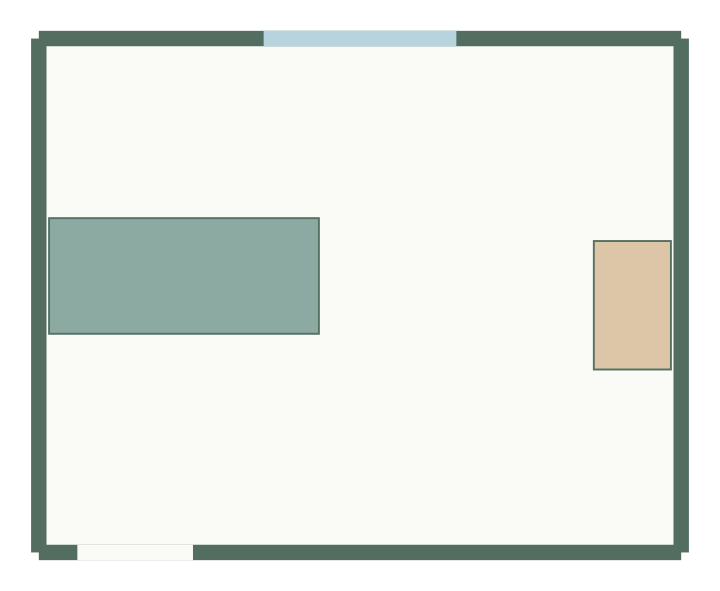
Living room layout
5 × 4 m, 20 m² · 2 furniture items
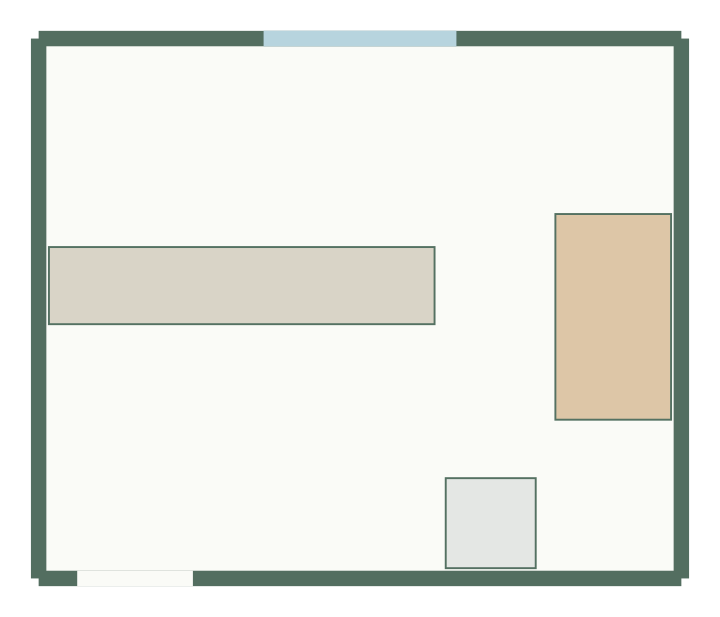
Kitchen-diner layout
5 × 4.2 m, 21 m² · 3 furniture items
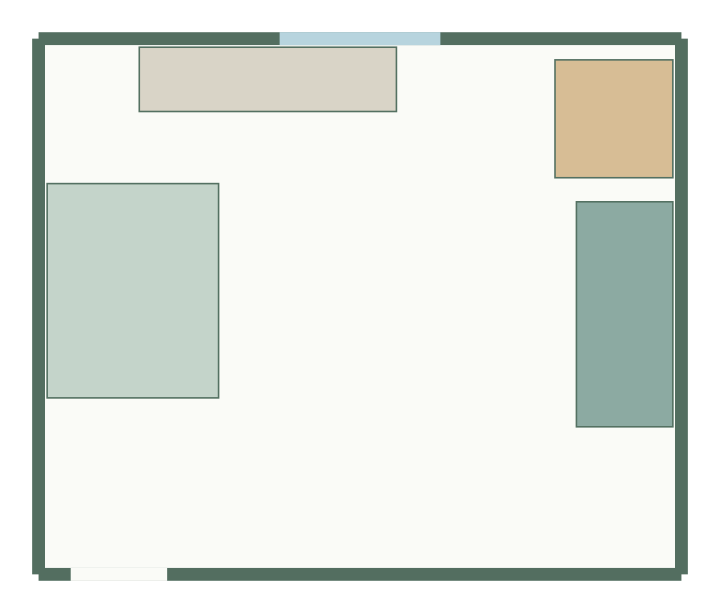
Studio apartment layout
6 × 5 m, 30 m² · 4 furniture items
Plan a specific room
Dedicated pages start from a matching brief: the kitchen, bathroom, bedroom, living room and home office planners.